
Event access and inclusion issues rarely start with ill intentions, or even the lack of hope that different audiences participate. In reality, organisers can easily exclude a large group of people simply by choosing a registration form that a screen reader can’t work, or a venue with bad acoustics and nowhere to put up captions. Unfortunately, the barriers just go unnoticed until a guest has to suffer through them.
Inclusive event planning, on the other hand, is the habit of finding those barriers first. And while creating access for people with disabilities makes up a key element, inclusive event planning also involves the proactive consideration of all groups of people, and how the event’s details can make sure they feel comfortable and able to participate.When this happens, the result is actually an event that’s better for everyone in the room (including those who don’t “need” the same support).
Below, we cover what inclusive event planning involves, why the case for it is stronger than most teams realise, and a practical, stage-by-stage way to build it into your next event.
Table of Contents
What Is Inclusive Event Planning?
Inclusive event planning means designing the whole event journey, from the first invitation to the follow-up email, so people with different access needs, backgrounds, and circumstances can take part on equal terms. That covers how they arrive, how they follow what's happening and how they join in. But across the journey, the idea is that people should not have to fight the event design to take part.
The terms “inclusive event” and “accessible event” are also easily used interchangeably here, so it also helps to separate them when first learning what they mean. Essentially, accessibility is about whether people can physically and practically use the event, but inclusion goes a step further, and asks whether they feel the event was designed with them in mind.
| Consideration | Accessible event | Inclusive event |
|---|---|---|
| The question it answers | Can people get in, follow along and use the space or platform? | Do people feel the event was designed for them, and can they take part in their own way? |
| What it covers | Step-free routes, captions, readable materials, accessible platforms. | All of that, plus representation, choice in how to participate and a culture of feedback. |
| Where it starts | Venue, technology and communications. | The brief, before any of those decisions are made. |
An event can be accessible without being inclusive. It's very hard to be inclusive without being accessible. So in practice, you plan for both at once.
Why Inclusive Event Planning Matters
The case for inclusive event planning becomes even more compelling when you look at (1) how many people encounter barriers at events, (2) how easily those barriers can go unnoticed by organisers, and (3) how often the solutions improve the experience for everyone. Let’s look at the evidence behind all three of these reasons.
1). Your Audience Is Bigger Than Your Assumptions
Around 1.3 billion people, about 16% of the world's population, live with a significant disability, according to the World Health Organization. At events specifically, the share can be higher still. The Access All Areas report from ICC Wales and The Business of Events surveyed 1,000 recent delegates and found nearly 1 in 3 identified as having a visible or non-visible disability.
Neurodivergence adds to that picture. Research summarised by Understood and Kantar puts roughly 18% of Americans in that group, within the widely cited global estimate of 15 to 20%. Many of those attendees won't tell you in advance, and plenty won't think of themselves as needing "accommodations" at all.
There's a commercial case, too. The Return on Disability Group estimates the spending power of disabled people and their families at more than $18 trillion globally. For brands, an inaccessible event isn't a neutral choice. It quietly shrinks the audience the event was built to reach.
2). Venues Think They've Got It Covered, Attendees Disagree.
The most striking finding in the Access All Areas research is the gap between perception and experience. Of the 100-plus venues surveyed, 91% said they had accessible toilets, 82% offered step-free access and 75% said their staff had disability awareness training. Yet 93% of disabled delegates still reported running into barriers, from inaccessible layouts to overstimulating environments and unclear communication.
That gap is where inclusive event planning earns its keep. A venue's accessibility statement tells you what exists. It doesn't tell you whether the step-free route is easy to find, whether the quiet room is anywhere near the main stage, or whether staff know what to do when a lift breaks down mid-session.
3). Accessible Design Makes Events Better for Everyone
Plenty of access features end up being used far beyond the people they were designed for. Captions are the clearest example. In a 2025 AP-NORC poll, around a third of US adults said they always or often watch with subtitles or captions, and younger adults were more likely to than older ones. Put captions on a keynote and you help Deaf and hard of hearing attendees, people sitting at the back, non-native speakers and anyone who simply missed a word.
The W3C's guidance on accessible events makes the same point: accessible meetings, conferences and presentations benefit everyone, especially international participants. From our side, that matches what we see on the ground. Clear signage, places to sit and a well-paced programme rarely get noticed by the people who don't need them, but they make the whole event feel calmer and better organised.
The Inclusive Event Planning Checklist
The easiest way to plan inclusively is to walk through the event in the order your guests will experience it. At every stage, ask the same practical question: who could find this harder than it needs to be? Use the checklist below in planning meetings, venue visits and supplier briefs.
| Stage | Ask Yourself | Recommended Actions |
|---|---|---|
| Is access in the brief before the venue, platform and budget are fixed? | Access needs, a named owner and a budget line are agreed at the start. | |
| Can everyone read the invite and complete registration without help? | Screen-reader-friendly forms, plain language and an open, private question about access needs. | |
| Can people find their way from transport or parking to the front door? | Step-free routes, clear directions, drop-off points and a welcoming main entrance for everyone. | |
| Can people move through the space, or the interface, without workarounds? | Accessible rooms, toilets and seating; keyboard and screen-reader access online. | |
| Can everyone see, hear and follow what's happening? | Captions, interpretation, accessible slides and a realistic pace with breaks. | |
| Is there more than one way to take part? | Options to contribute out loud, in writing, in small groups or from a quieter space. | |
| Do staff know where support is and who to ask? | Briefed staff, consistent language and clear escalation routes. | |
| Did you ask specifically about access, and will anyone act on it? | Targeted feedback questions, a named owner and changes carried into the next brief. |
How to Plan an Inclusive Event: 9 Steps
The checklist above is a useful way to review an event plan, but it's worth getting into the detail of how those decisions are made. Here are nine practical ways to build inclusion into the creative and production process, from the initial brief through to what you learn after the event.
1. Put Access in the Brief, Then Ask Attendees What They Need
The single biggest decision is when you start. Research on integrating access at live events argues that accessibility works best when it enters the creative and technical process early, rather than being layered onto an experience that's already finished. Once the venue is booked and the run of show is locked, access fixes get expensive and awkward.
So put access into the brief alongside the objectives and budget, and give it a named owner. Then ask attendees directly. An open, optional question on the registration form ("Is there anything that would help you take part?"), supported by a named contact, will tell you far more than a list of tick boxes. What really matters is follow-through. Someone needs to reply, confirm what's been arranged and pass the details into production and staff briefs. Asking and then doing nothing is worse than not asking.
2. Walk the Full Route of Your Venue or Platform
Don't rely on the venue's accessibility summary. Walk the route a guest would take, starting at the nearest station or car park and continuing through registration, the main room, breakout spaces, catering and toilets. A step-free entrance doesn't help much if it's hard to find, separated from the main arrival or a long way from the accessible toilet. The ADA National Network's planning guide is a thorough reference for routes, entrances, surfaces and temporary ramps.
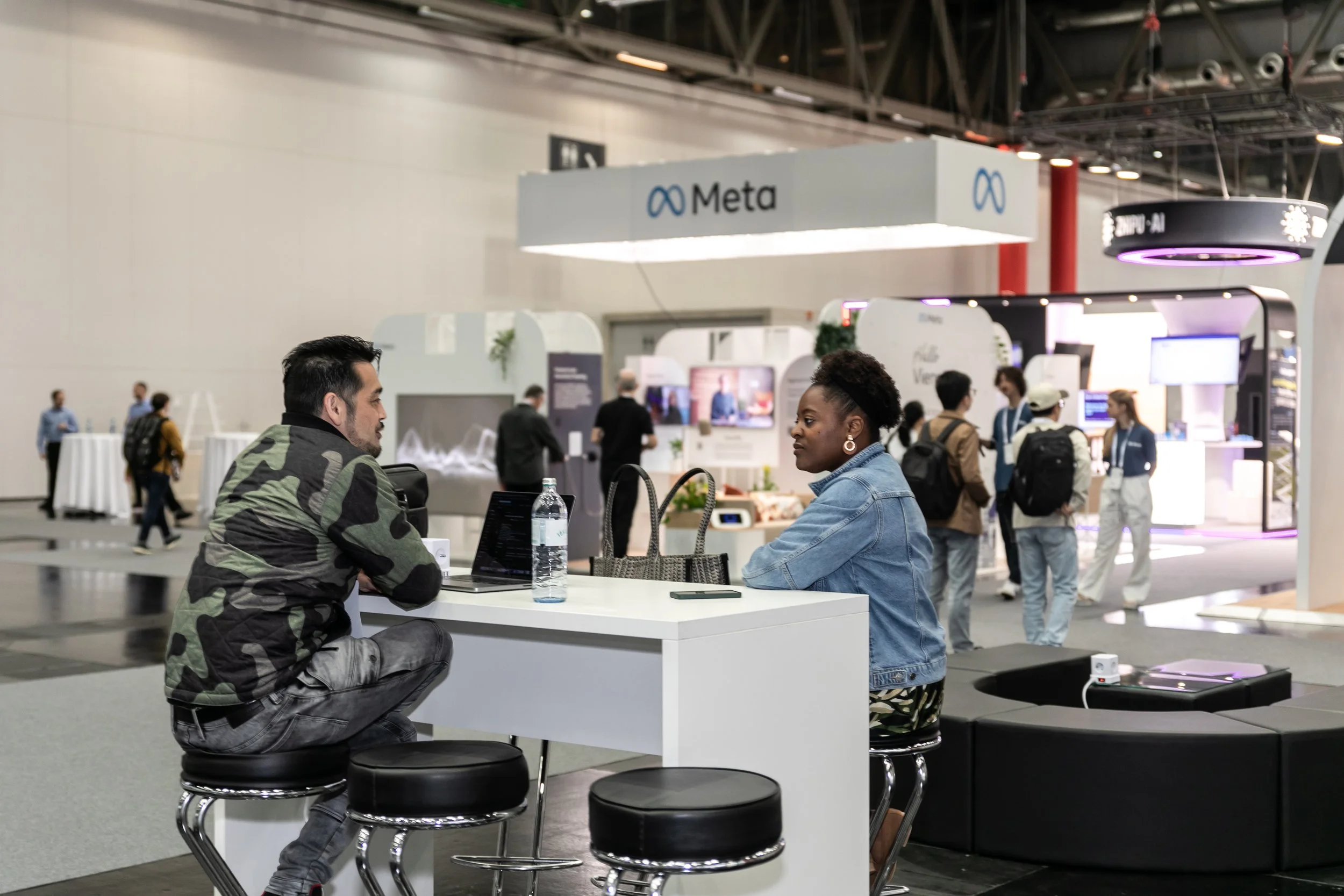
Inside, check where people can sit, rest, and rejoin the programme. Look at sightlines from accessible seating, listen to the room before the audience arrives and ask what happens if a lift fails or a corridor gets crowded.
For virtual and hybrid events, treat the platform as the venue. Test whether people can join using only a keyboard, use a screen reader, switch on captions and take part in chat without a second device. The W3C's events checklist includes choosing an accessible remote platform for exactly this reason: the whole interface has to work, including the chat and shared slides.
3. Make Event Communications Accessible
People can only decide whether an event works for them if they have the information. Before the day, explain how to get there, what the format involves, where support is available and whether to expect loud noise, flashing lights or anything highly participatory.
The W3C's events checklist covers digital materials in detail. The essentials are meaningful headings and link text, alt text for images that carry information and documents that a screen reader can actually read, so no image-only PDFs. On the day, signage, announcements, slides and staff directions should all say the same thing, with important updates shared in more than one format.
4. Design the Space Around Participation
Look for the points where people are likely to queue, lose the route or end up cut off from the main experience. Registration, seating, catering and exits all need room to work when the event is busy, not just when the space is empty.
Build places to sit and pause into the main plan. A quiet area should feel like part of the event rather than a corridor people get sent to when things become too much. Clear re-entry points help too, letting guests step out and come back without feeling they've left for good. "Accessibility, always" is one of the principles our Creative Director Sheila Milani brings from architecture into experience design, and it starts with how a space is organised, not what gets added to it afterwards.
5. Offer Sensory-Friendly Options
Predictability and choice make events far easier to manage for neurodivergent guests and anyone sensitive to noise, light or crowds. Share a clear schedule in advance, explain how participation will work and flag anything intense, such as sudden sound, strobe lighting or dense crowding.
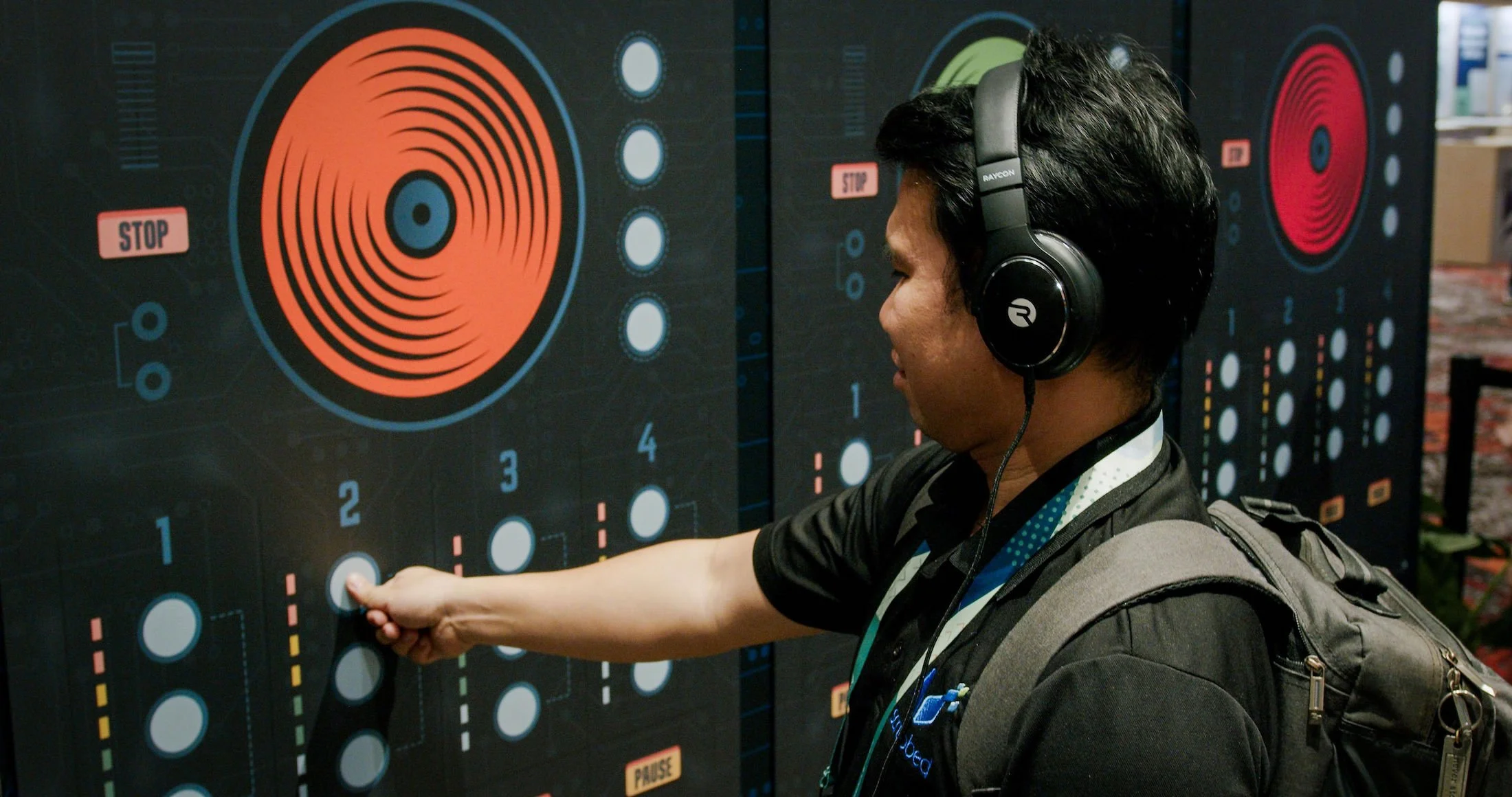
This doesn't mean making every event quiet and flat. Immersive and sensory experiences can still be ambitious. The design just needs to give people control over how close they get to the most intense moments, and an easy way to step back. A lower-stimulation route, headphones, or a clear "come and go as you like" policy keeps the creative idea intact without forcing one sensory threshold on everyone. Staff need to know about those options too, so a guest stepping out isn't mistaken for a guest leaving.
6. Build Captions and Interpretation Into the Programme
Treat captions as part of how content is delivered, not a technical extra bolted on at the end. Decide early whether the audience needs live captions, sign language interpretation, audio description or spoken-language interpretation, and give those providers scripts, speaker names and specialist terms in advance.
Quality matters as much as presence. A study with Deaf and hard of hearing participants found their experience of real-time captioning depended on social, environmental and technical details, including how far captions lagged behind speech, whether speakers were identified and where the display was placed. Test captioning in the actual room or platform, with the real lighting, sound and pace.
7. Programme for Representation
Look at who's on stage, and who had the power to shape the programme. A varied speaker list can still feel tokenistic if one person is expected to speak for an entire community, or if the event's language and partners don't reflect the people being invited.
Representation has practical requirements too. Speakers and performers may need a step-free route to the stage, a different briefing format, extra preparation time or captions and interpretation themselves. Have those conversations well before the day. And when an event is for or about a particular community, involve people with that lived context early enough to change the plan, and pay them for their time.
8. Brief Staff and Suppliers Properly
Guests experience the access plan through the people delivering it. Front-of-house, security, production, hosts and suppliers should all know where support is, who owns access decisions and what to do if something changes.
Keep the briefing practical. Staff need consistent language, clear escalation routes and enough confidence to help without making someone repeat personal information to several different people. Calm, respectful help on the day matters far more than a script about inclusion.
9. Ask About Access in Your Feedback, and Act On It
A post-event survey usually asks whether people enjoyed themselves. Add questions about whether they found the information they needed, moved through the space easily, followed the content and got support without unnecessary effort. A high satisfaction score can easily hide a barrier that stopped a smaller group from taking part.
Leave room for open answers, because the most useful feedback often describes something the team didn't anticipate. Then record what will change, give it an owner and carry it into the next brief. Research on virtual and hybrid events frames inclusion in exactly this way, as something planned before, during and after an event, with each event improving the next. If you're already measuring event success, our guide to experiential marketing metrics covers how to fold these questions into the wider picture.
Do Events Have to Be Accessible by Law?
In many places, yes, at least to a degree. Requirements vary by country and by type of event, so take this as an orientation rather than legal advice.
United States: Under the Americans with Disabilities Act (ADA), businesses and nonprofits that serve the public must make their goods and services accessible, which includes events. That covers physical access and what ADA.gov calls effective communication, using aids such as qualified interpreters or real-time captioning where needed. The ADA National Network's guide to temporary events translates the requirements into practical planning steps.
United Kingdom: The Equality Act 2010 requires service providers to make reasonable adjustments for disabled people. As the Equality and Human Rights Commission explains, that duty is anticipatory, which means organisers are expected to think about disabled people's needs in advance, not only respond when someone asks.
The practical takeaway is the same in both places. Planning access from the start is easier, cheaper and more defensible than fixing problems once they've been raised.
Audience Needs to Plan For
People don't fit neatly into one group, and no two attendees have exactly the same needs. Use the table below as a prompt for better questions, not as a set of fixed audience profiles.
| Audience | Common barriers | What helps |
|---|---|---|
| Disabled attendees | Hard-to-find step-free routes, poor sightlines, support that requires repeated disclosure. | An equivalent route through the main experience, accessible seating with a clear view, one point of contact. |
| Deaf and hard of hearing attendees | No captions, poor acoustics, unidentified speakers. | Live captions, interpretation, hearing loops and good microphone discipline. |
| Blind and partially sighted attendees | Image-only materials, unclear signage, unfamiliar layouts. | Screen-reader-friendly documents, audio description, clear verbal directions. |
| Neurodivergent attendees | Uncertainty, sensory overload, pressure to participate publicly. | A clear agenda, sensory warnings, a quiet space and flexible ways to take part. |
| Cultural, religious and identity groups | Clashing dates, unclear food information, intrusive registration fields. | Inclusive scheduling, labelled food, chosen-name options and only essential data requests. |
| Parents and carers | Late start times, long days, no private space. | Advance notice, realistic session lengths, a private space for feeding and recorded or hybrid access. |
| Remote and hybrid participants | Being treated as observers rather than participants. | A designed remote journey, moderated questions and speakers who address both audiences. |
Common Inclusive Event Planning Mistakes
Most access problems start well before the event day, with a decision that looked efficient at the time.
Leaving access until after the venue is booked. A late review can spot barriers, but it often can't remove them.
Assuming one provision solves access. A ramp doesn't make your slides readable, and captions don't make the route usable. Check how provisions work together across the whole journey.
Asking about needs without acting on them. An access question creates an expectation. Confirm what's been arranged before guests arrive.
Separating the accessible route from the main experience. A side entrance or a distant viewing area may tick a box while leaving people feeling removed. Build access into the main route wherever possible.
Measuring general satisfaction alone. A good average score can hide significant barriers for a smaller group. Ask specific access questions.
Inclusive Event Examples
Inclusive design looks different at a festival, a family-focused digital event and a conference. In each of the examples below, the useful question is the same: what did the organisers change so more people could take part on their own terms?
Long Beach Pride: Different Ways Into the Same Celebration
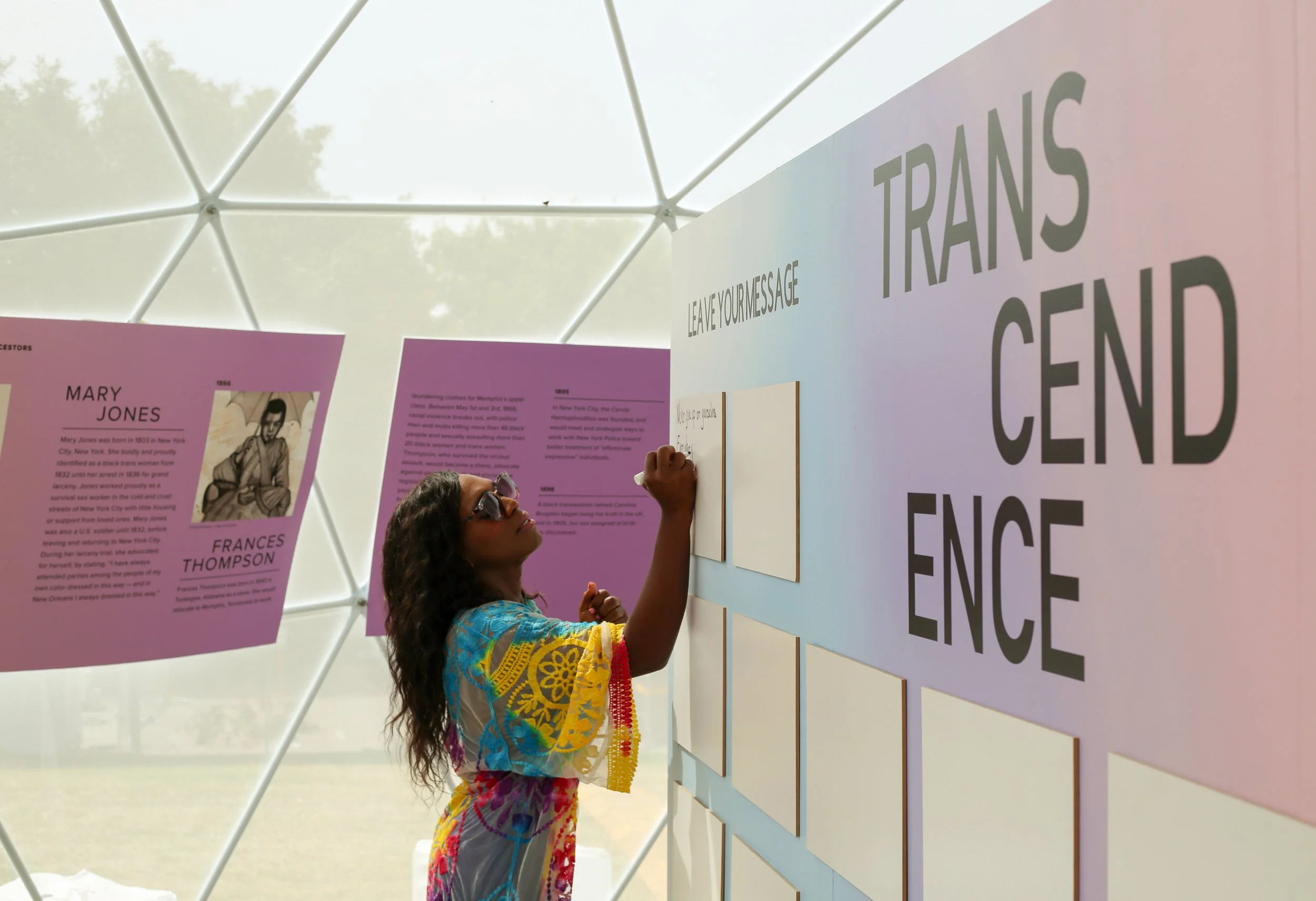
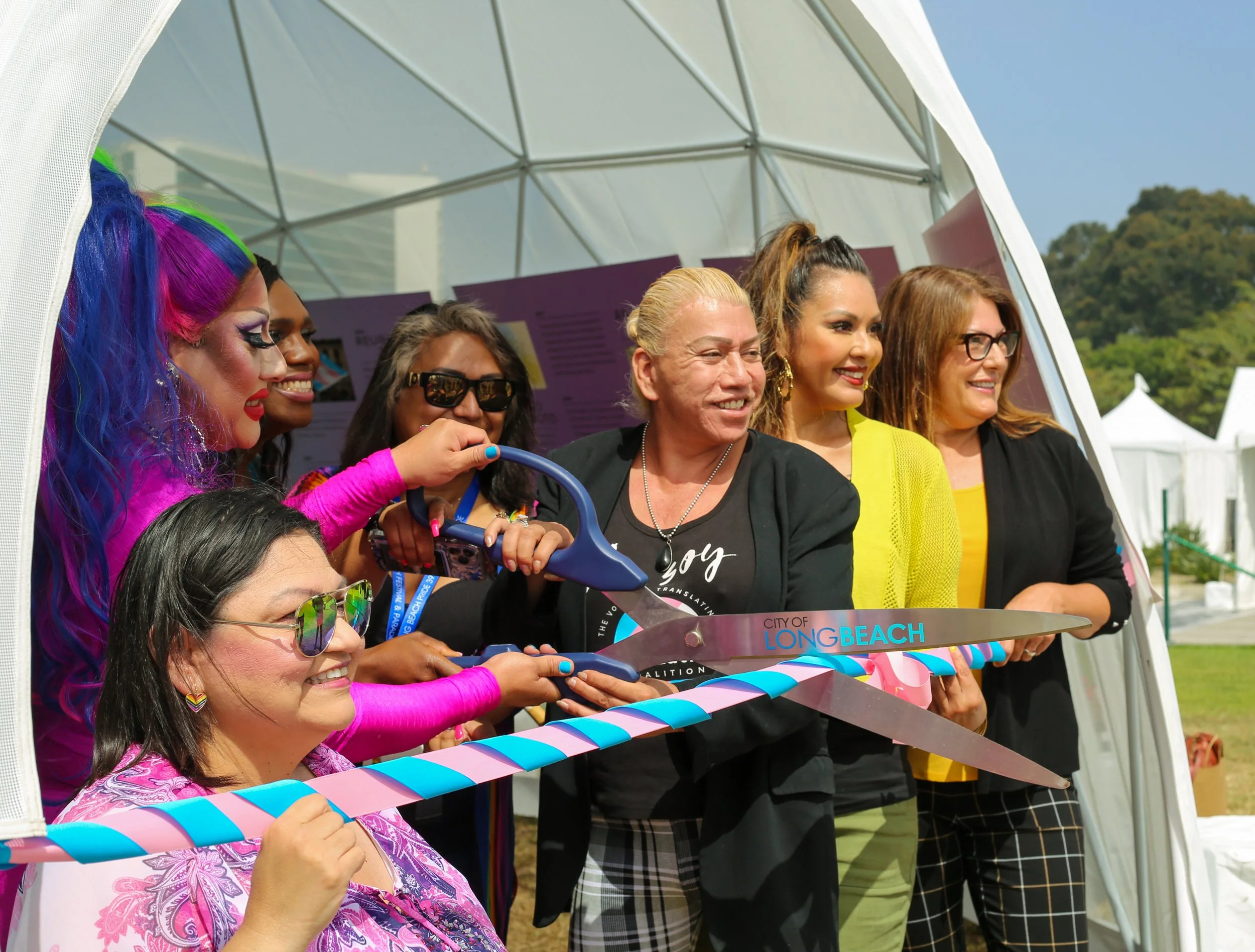
For Long Beach Pride, our brief was to hold celebration alongside memory, protest and action, under the theme "Many Voices, One Spirit". Rather than one format for everyone, we created several ways in. The Voices Wall gave attendees a place to leave messages of pride, hope and encouragement. The Drag Makeup Station and runway offered a much more visible form of self-expression, while the Silent Disco Dome let people share a collective moment on their own audio channel.
Not everyone celebrates in the same way or at the same volume. Giving people different routes into one shared idea made the event feel more personal without losing its common centre. The festival sold over 25,000 tickets, 63% more than in 2019.
Adobe Field Trip: Access Inside the Main Experience
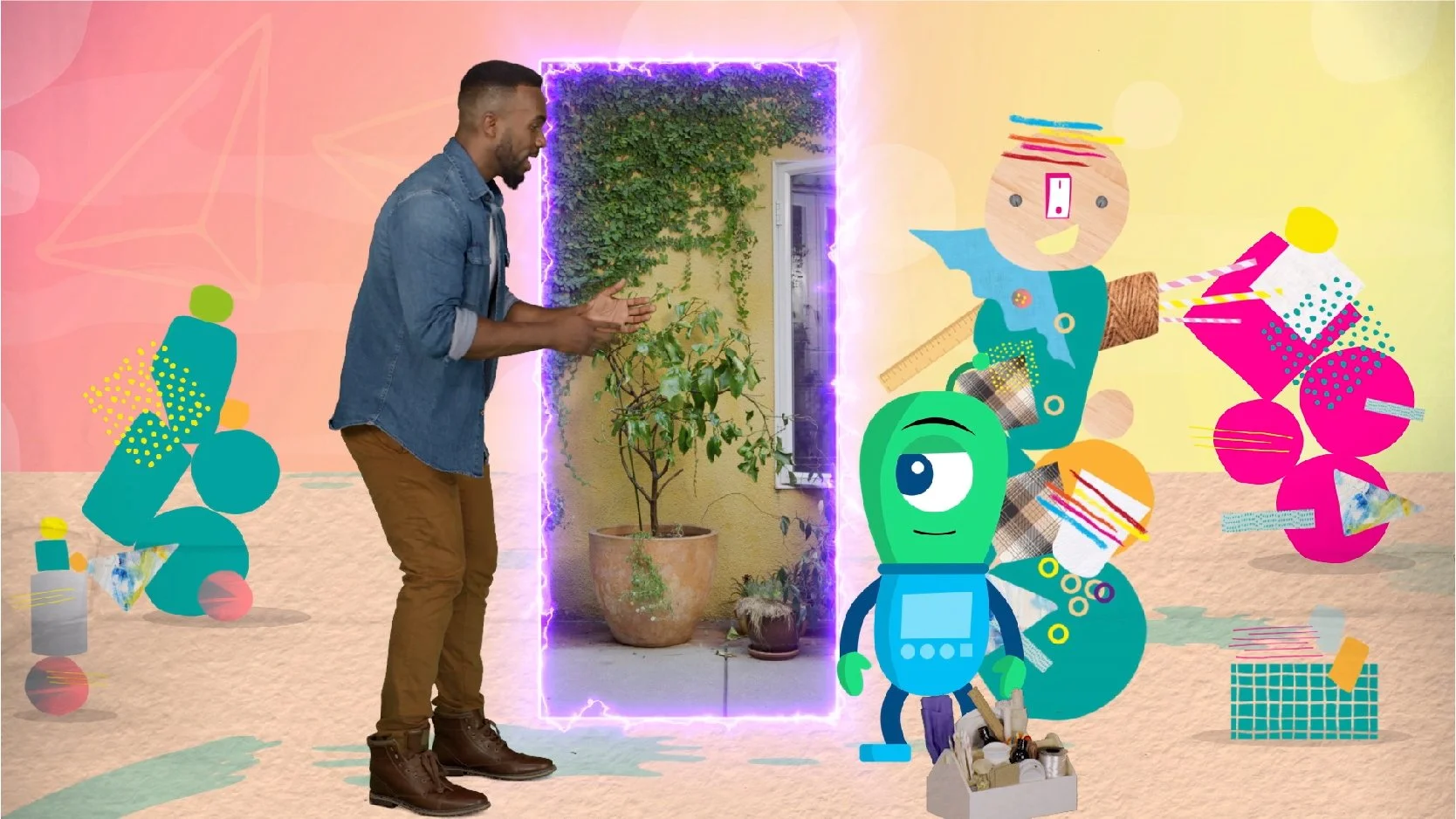
Adobe Field Trip was a worldwide, all-ages digital experience: a 30-minute broadcast-quality show plus an interactive website where families explored imaginary worlds together from home. Sign language interpretation was built into the main broadcast rather than offered as a separate stream, and the cast included contributors with different backgrounds and abilities, including deaf content creator Sheena McFeely.
Putting interpretation on the main screen normalised it for hearing viewers and gave younger children some of their first experience of sign language. Access became part of the show's creative language instead of an option hidden behind a separate link.
The Parks Accessibility Conference: Access Across the Whole Format
The Parks Accessibility Conference in Canada was planned as a bilingual, accessible virtual event. The organisers involved disabled people in decision-making and combined closed captions with sign language and spoken-language interpretation, regular breaks and a deliberately multi-sensory programme. They then evaluated the event and published what they learned. That mix of co-design, practical provision and feedback is a useful model for any team treating accessibility as a system rather than a single service.
Create More Inclusive Events With Cogs & Marvel
Inclusive events don't happen by accident. They come from teams that ask who might struggle with each decision while there's still time to change it. That's how we approach every project at Cogs & Marvel, from the first route through the space to the last feedback question, so more people can step into the experience with clarity and choice.
If you're planning an event and want access built in from the start, explore our creative event production or get in touch with Cogs & Marvel.
Inclusive Event Planning FAQs
What is inclusive event planning?
Inclusive event planning is the process of designing the full event journey, from invitation to follow-up, so people with different access needs, backgrounds and circumstances can arrive, understand and take part on equal terms.
What is the difference between an accessible event and an inclusive event?
An accessible event removes practical barriers so people can get in, follow along and use the space or platform. An inclusive event does that and also considers representation, choice in how people participate and whether guests feel the event was designed with them in mind.
What should an event accessibility checklist include?
Cover every stage of the guest journey: the brief and budget, invitation and registration, travel and arrival, the venue or platform, programme and content, ways to participate, staff briefing and post-event feedback.
How do you make an event sensory-friendly?
Share a clear schedule in advance, flag intense moments like loud sound or flashing lights, offer a quiet space and let people choose how closely they take part. Make sure staff know these options exist.
Do events need captions?
Any event with spoken content should assess captioning needs early. In the US, the ADA requires effective communication, which can include real-time captioning. Captions also help attendees in noisy rooms, non-native speakers and anyone who prefers to read along.
What are the ADA requirements for events?
Under the ADA, businesses and nonprofits that serve the public must make events accessible to people with disabilities, including accessible routes and facilities and effective communication through aids such as interpreters or captioning. The ADA National Network's planning guide for temporary events is a practical starting point.